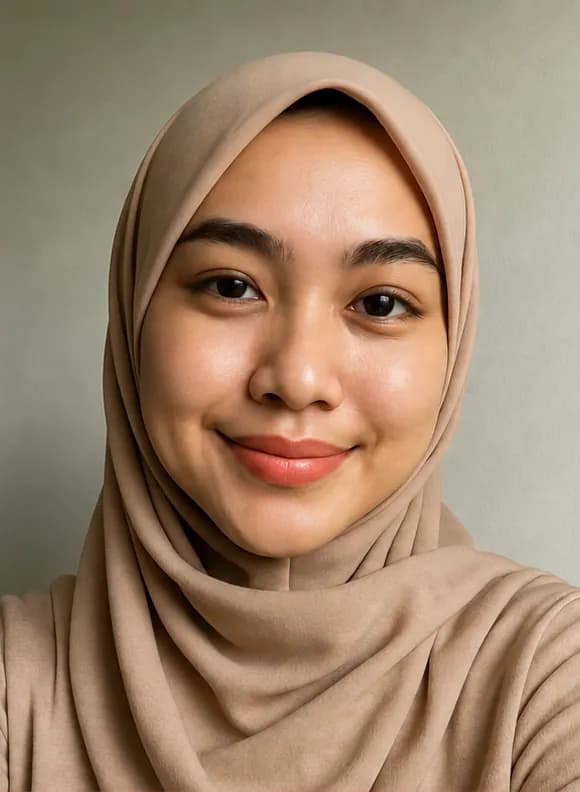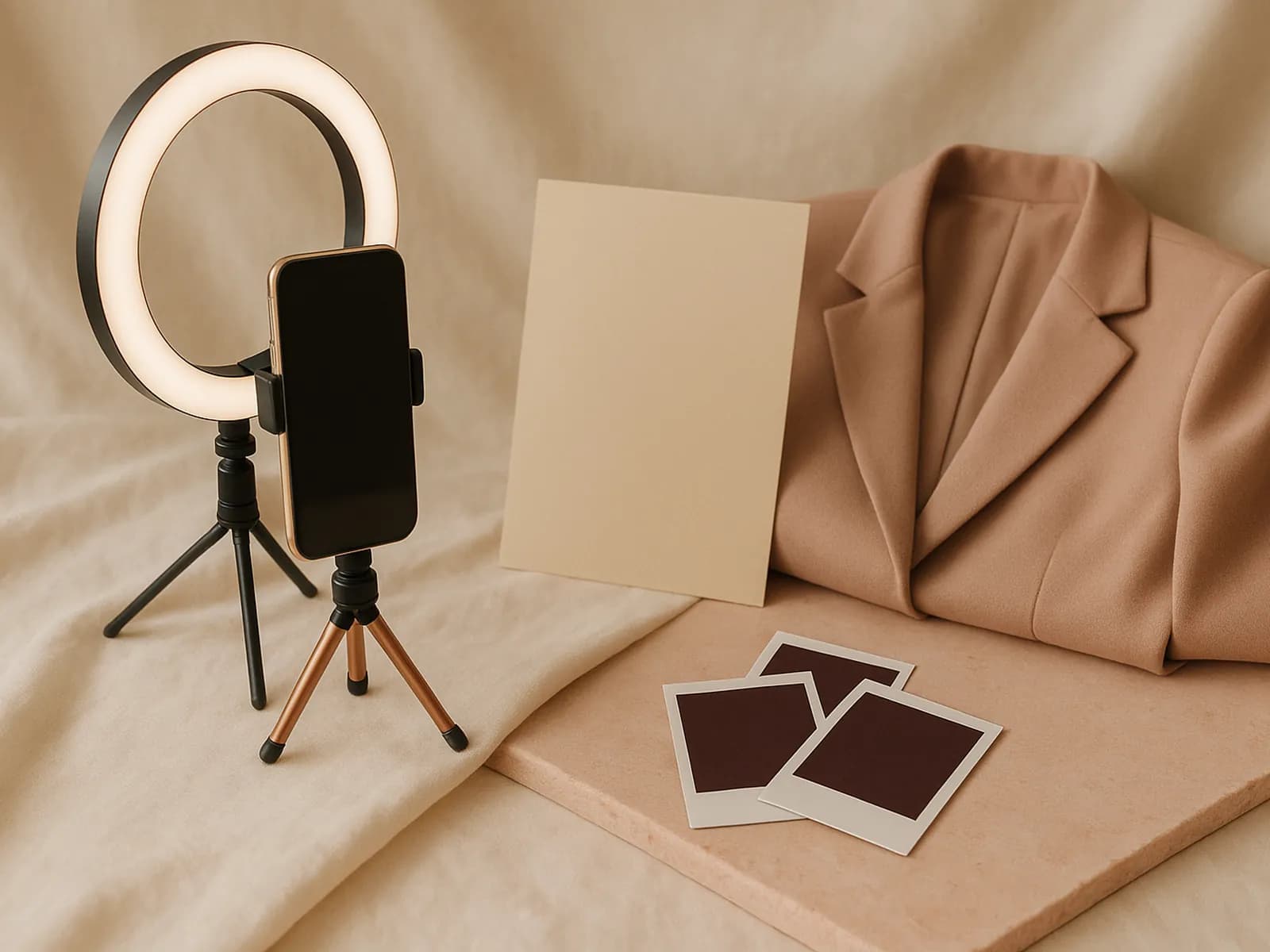
A great LinkedIn profile photo helps people recognize and trust you right away. According to LinkedIn, a good photo looks like you today, is high resolution and has your face filling most of the frame. The good news: a phone camera is enough if you get a few things right.
LinkedIn profile photo specs
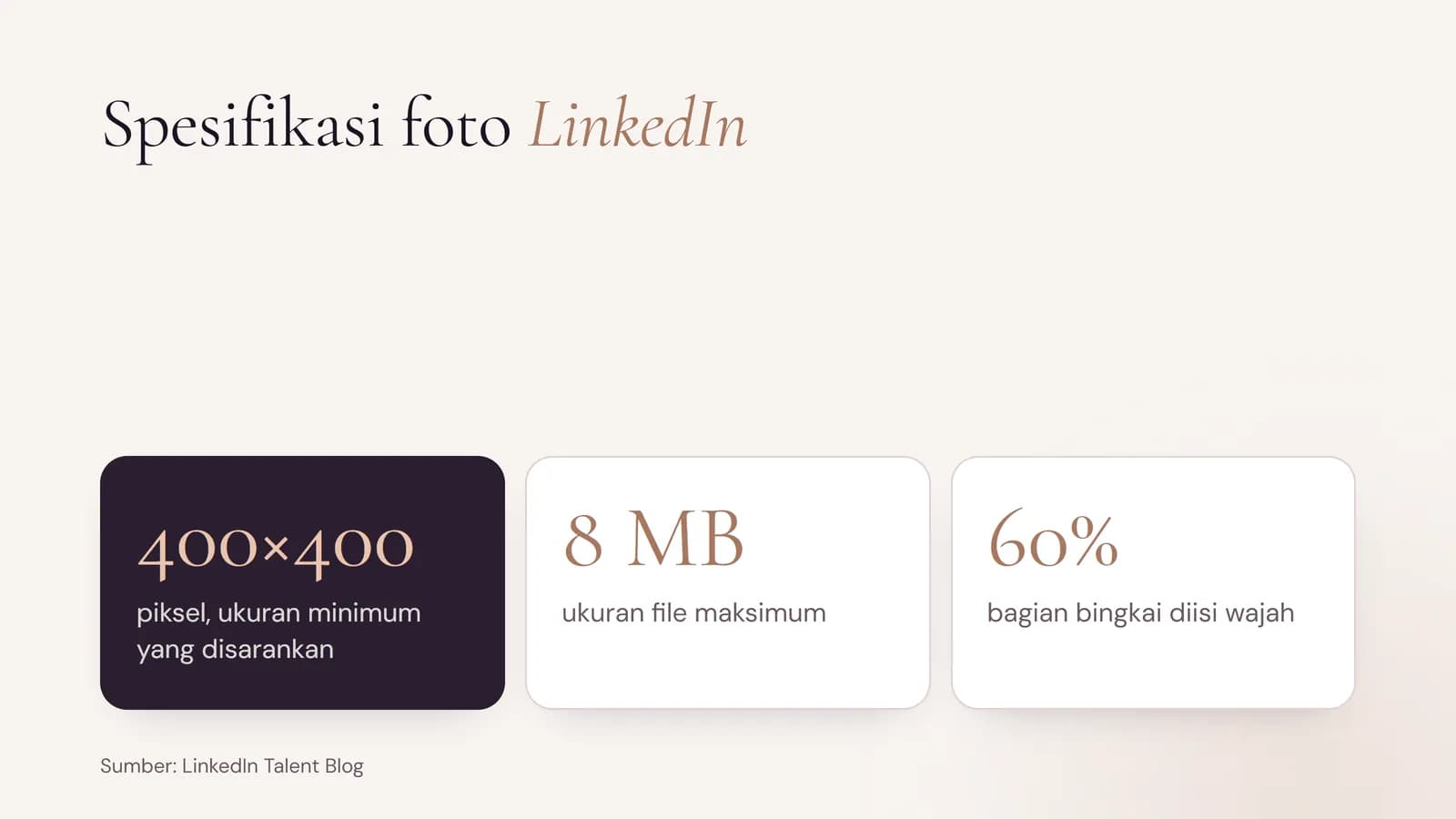
- Size: LinkedIn says the ideal size is between 400×400 and 7680×4320 pixels. Avoid small, blurry photos.
- File size: up to 8 MB.
- Framing: your face fills about 60% of the frame, cropped from the top of your shoulders to just above your head.
Profile photo checklist
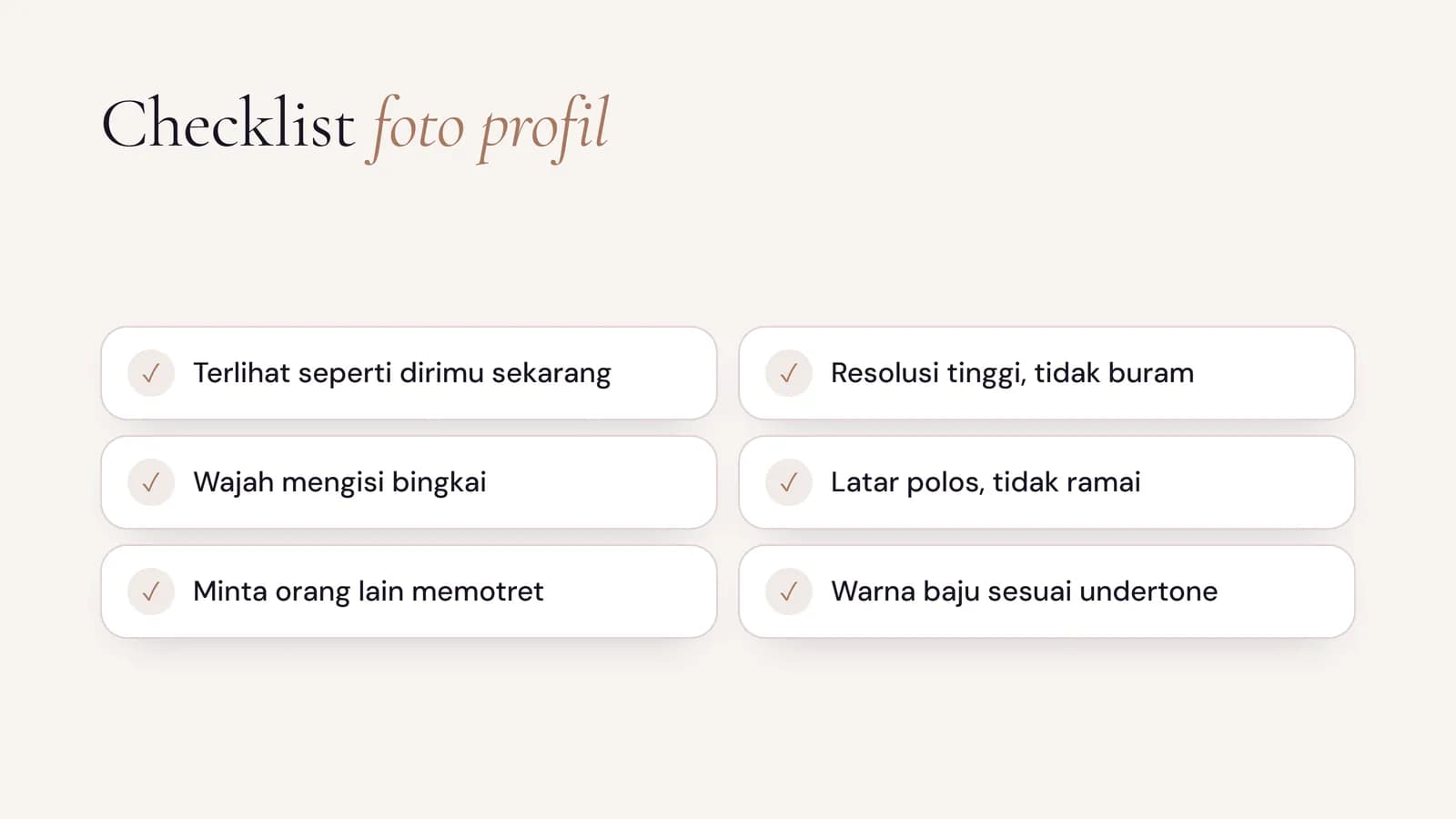
- Look like you today, not years ago.
- High resolution. Do not photograph another photo, such as the one on your ID badge.
- Just you, not a cropped group photo.
- Ask someone else to take it. LinkedIn suggests avoiding close-up selfies.
- Smile naturally. LinkedIn cites a study where smiling photos were rated more likable and competent.
- Use a plain, uncluttered background.
Flattering clothing and background colors
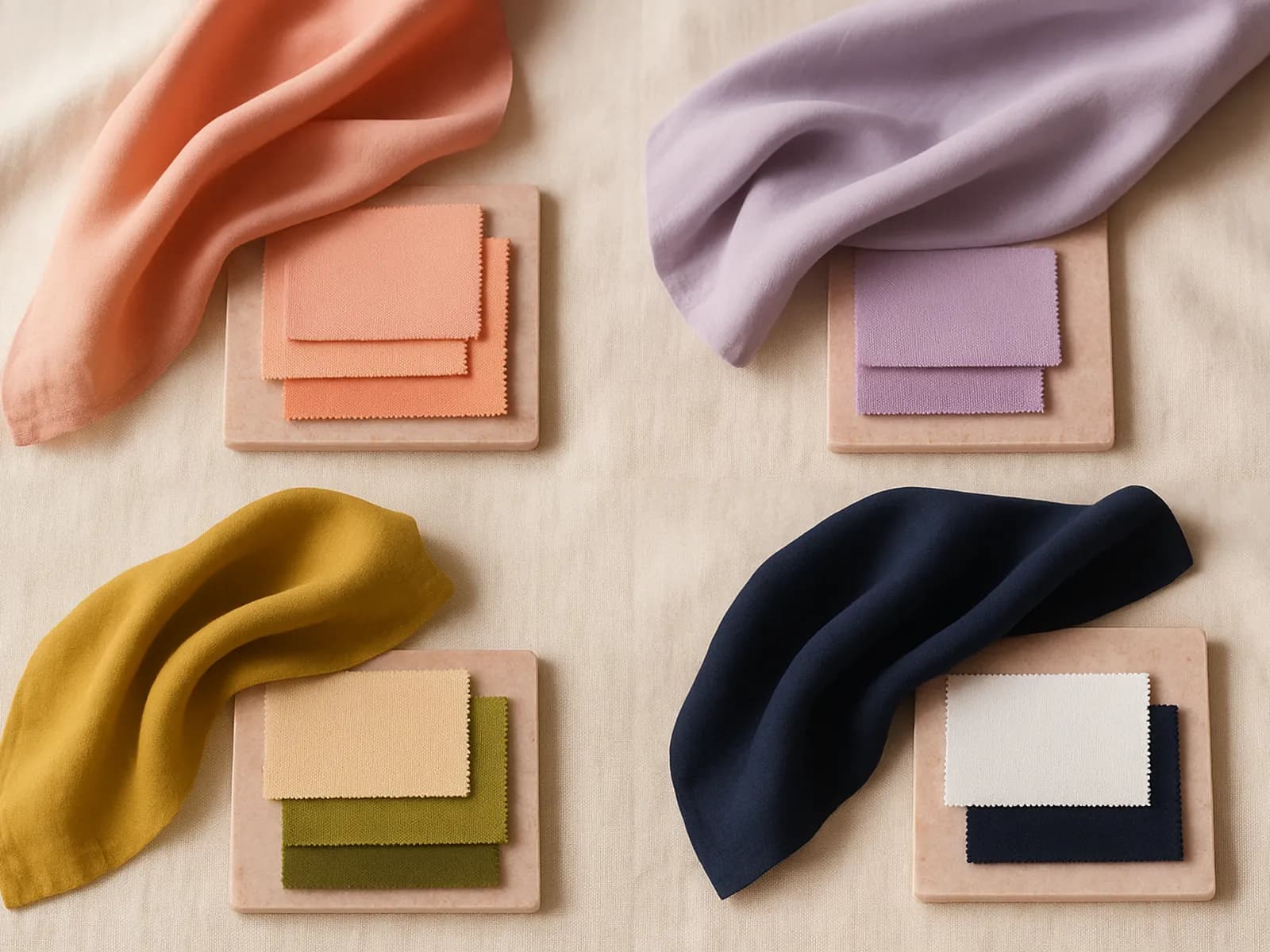
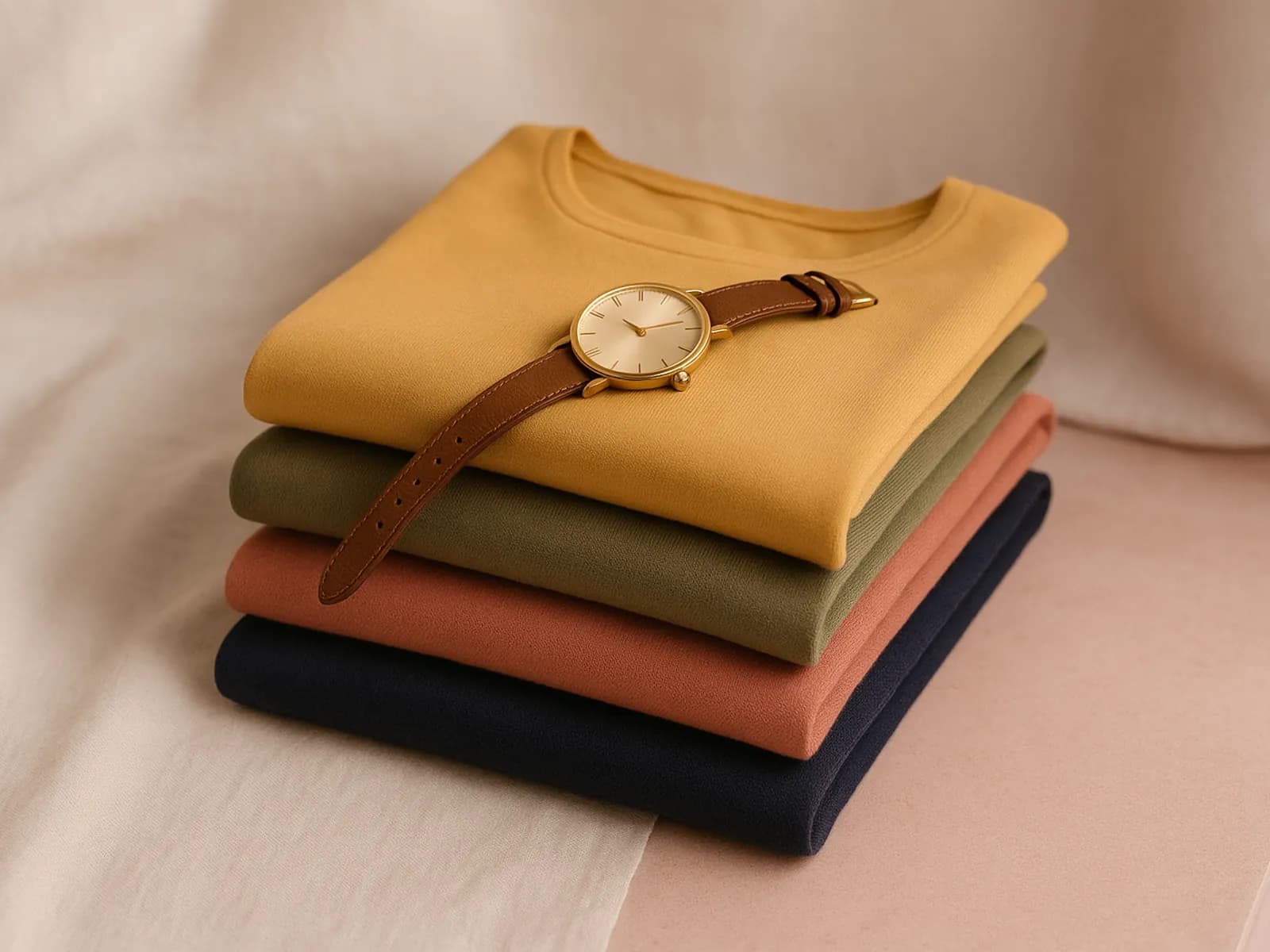
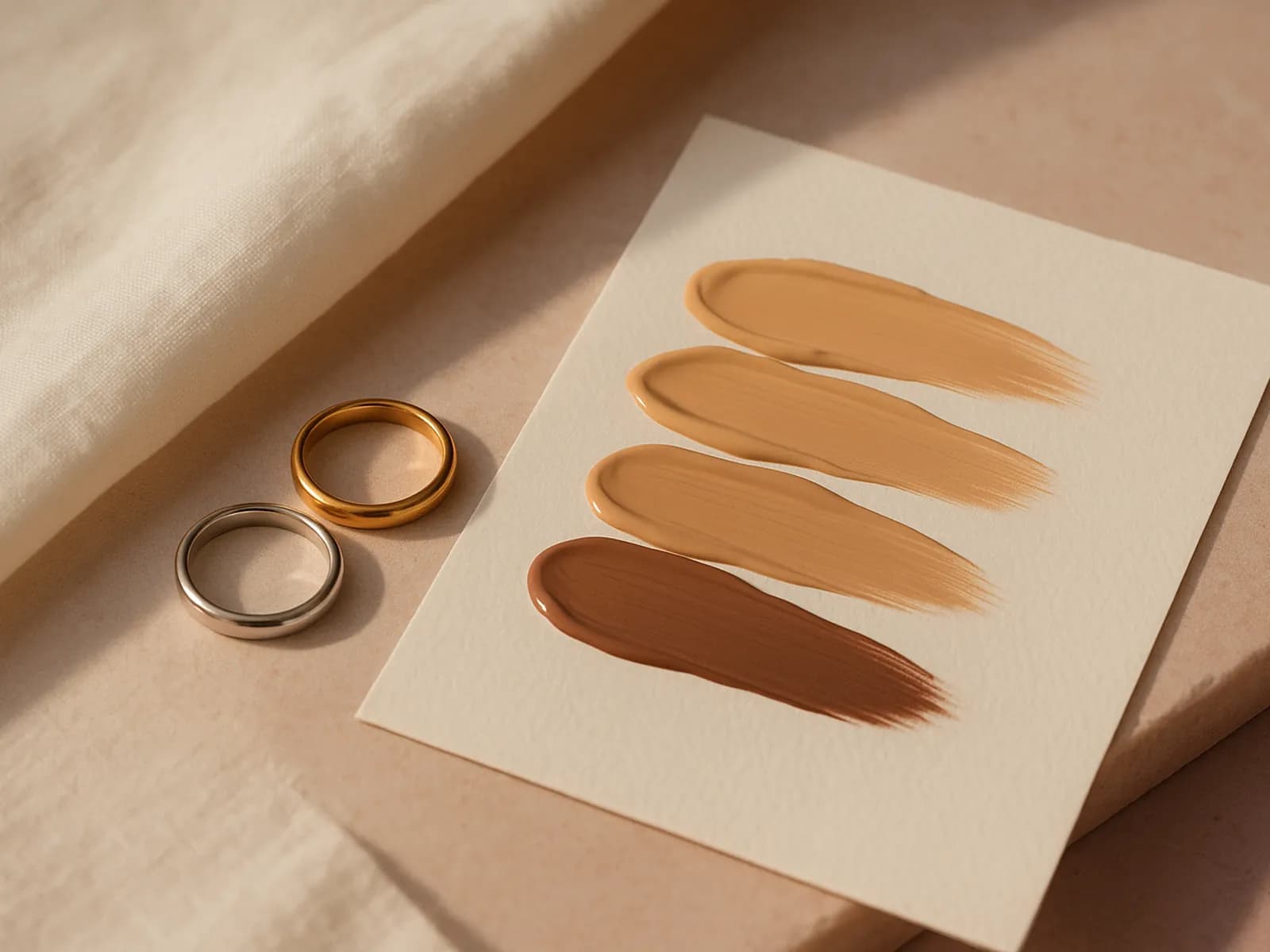
Colors near your face matter most. Pick a top from your undertone palette and a background with soft contrast. See clothing colors for tan skin. Here are three real profile photo styles from Kira, with clothing and background colors:
Tips for hijab and glasses wearers
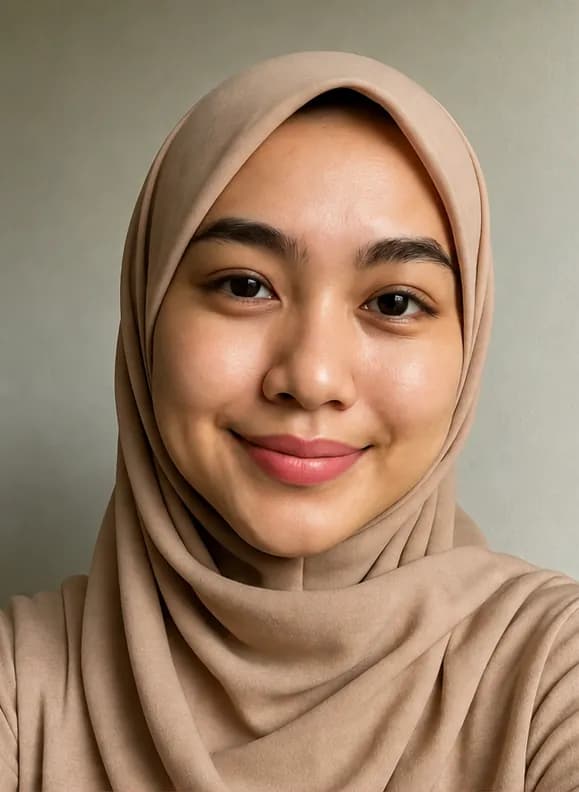
- Choose a plain hijab in a color that suits your undertone rather than a busy pattern. See hijab styles for a round face.
- If you wear glasses, tilt your head slightly to reduce glare on the lenses. See glasses for your face shape.
See profile photo styles on your photo
Send a selfie to Kira on WhatsApp and ask for a LinkedIn or CV profile photo. Kira recommends background color, angle and lighting for your face shape and undertone, then shows three styles on your photo. See the profile photo example.
Frequently asked questions
What size should a LinkedIn profile photo be?
LinkedIn says the ideal profile photo size is between 400×400 and 7680×4320 pixels, with a maximum file size of 8 MB. Avoid small, low-resolution photos, which look blurry once uploaded.
What makes a LinkedIn profile photo look professional?
A recent photo that looks like you, in high resolution, with your face filling about 60% of the frame, a plain background and a natural smile. Ideally someone else takes it instead of a close-up selfie.
Which clothing colors work for a LinkedIn photo?
Plain colors from your undertone palette, such as cream, olive or terracotta for warm undertones, and navy or gray for cool undertones. Avoid busy patterns and choose a background with soft contrast to your top.
Sources
Facts in this article refer to the sources below.
- Foto profil
- Warna
- Fashion